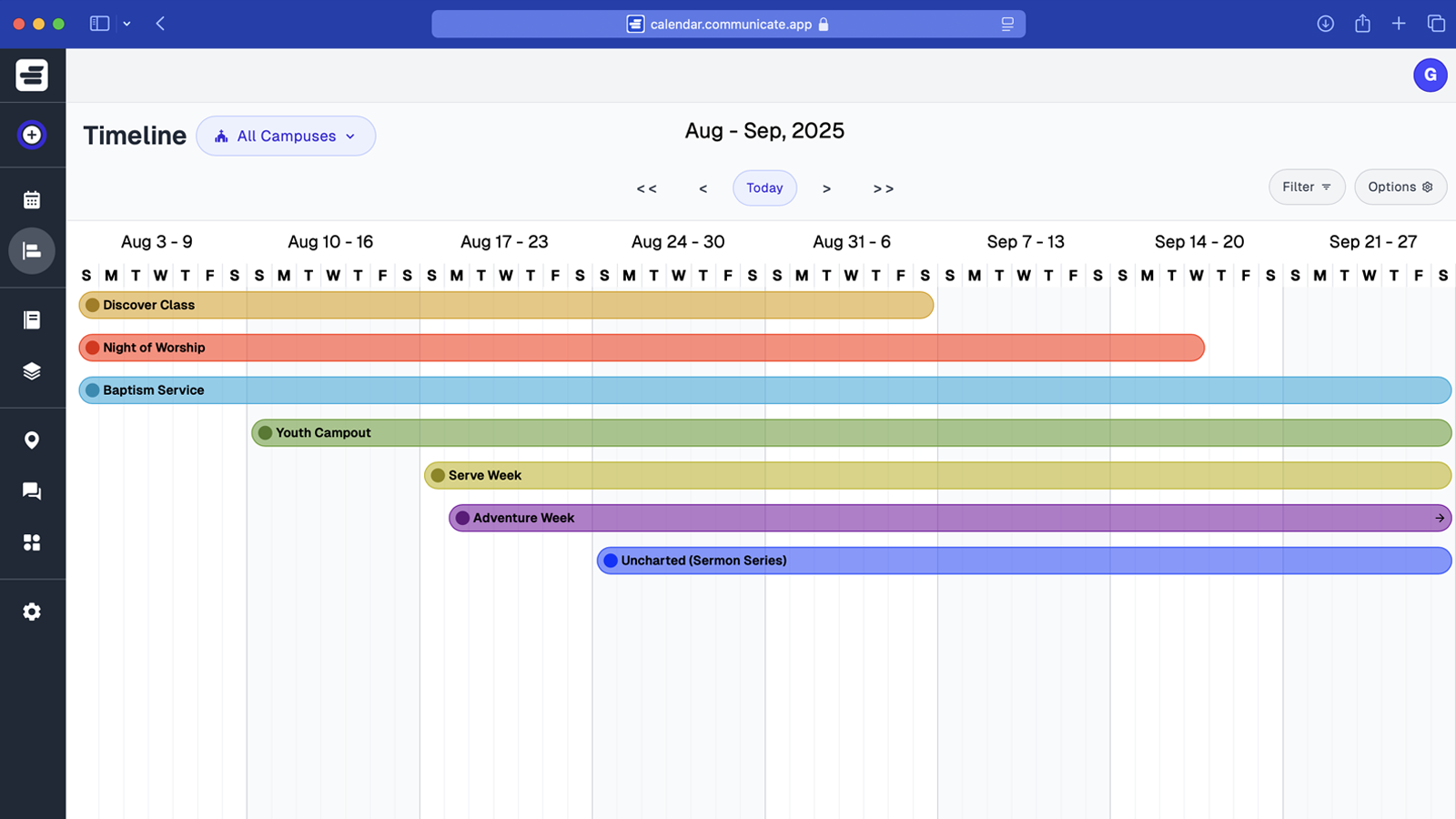
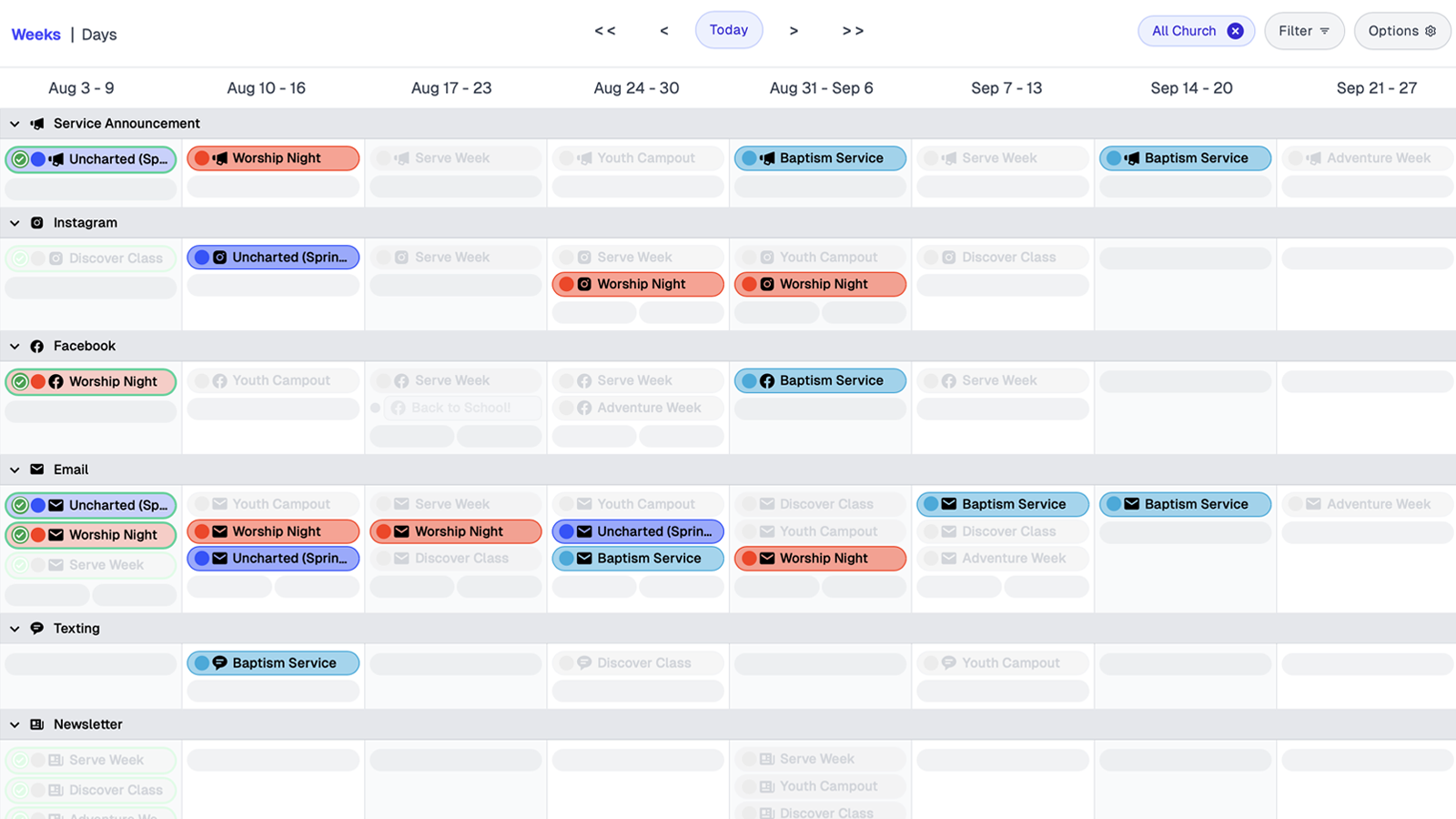
Communicate helps churches evaluate and organize every message in one place so you can spot gaps, remove noise, and prioritize what matters before the next rush. Teams get a clear view of announcements, campaigns, and deadlines without juggling scattered docs, then act on a focused plan directly inside the tool.
Short Answer: A church communications audit helps churches evaluate and organize all messages in one place to spot gaps, remove noise, and prioritize what matters before planning the next period.
A church communications audit is a systematic review of your messaging, channels, systems, and communication rhythm to identify what's working, what's not, and what needs to change. It involves evaluating past campaigns, assessing channel effectiveness, organizing files and templates, and resetting communication frequency to create clarity and focus. The audit helps churches pause, simplify their approach, and start fresh with a streamlined communication plan that eliminates clutter and builds momentum for the year ahead.
Build your strategy: Church Communications Strategy: The Complete Guide. For planning tools, see How to Create a Church Communications Calendar.
A church communications audit is a systematic review of messaging, channels, systems, and communication rhythm to identify what's working and what needs to change.
Church comms leaders know the feeling — every ministry needs an announcement, every event has a graphic, and somehow you’re still managing five spreadsheets and three versions of the same slide deck. A reset helps you pause, re-evaluate, and realign your message before another busy year begins.
A year-end communications reset checklist includes message audits, channel reviews, system cleanup, and rhythm resets.
What did you talk about most this year? What messages truly connected — and which ones just filled space? Clarify what deserves to stay and what can fade out.
💡 In Communicate: Easily duplicate successful campaigns and reuse what worked best. See how.
Look at your platforms with fresh eyes. Are you still posting where your people actually engage? It’s okay to scale back. Focus where impact happens.
💡 In Communicate: View every channel in one clear calendar — so you can focus where it matters most. Explore.
Declutter your folders, templates, and shared drives. Archive what’s outdated, organize what’s valuable, and make space for next year’s ideas.
💡 In Communicate: Keep everything in one place — every post, file, and graphic stays tied to its campaign, so nothing gets lost. See it in action.
How often are you communicating — and is it helping or overwhelming your audience? A healthy rhythm builds anticipation, not fatigue.
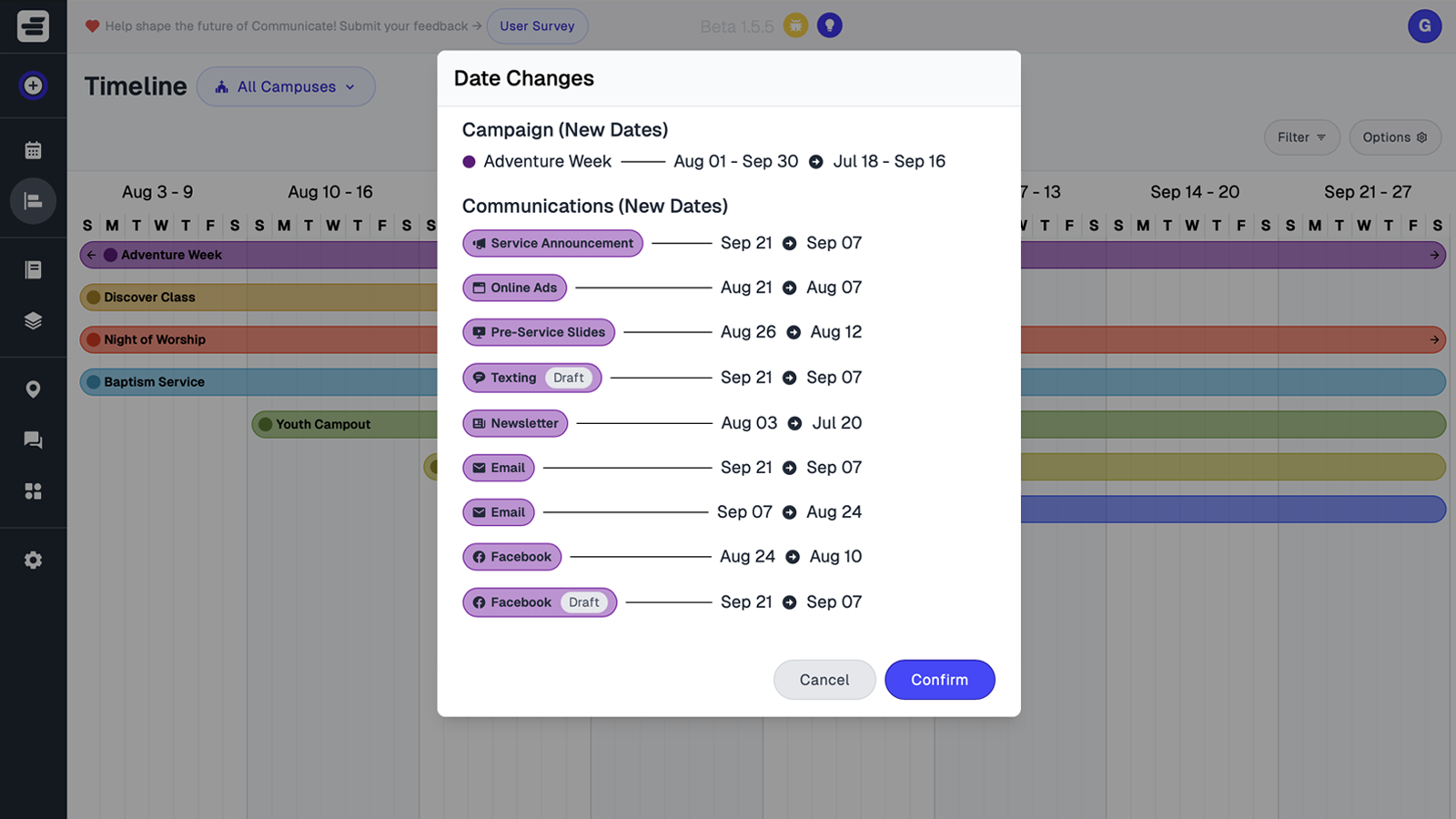
💡 In Communicate: Visualize your communication rhythm and adjust with drag-and-drop ease. Get started.
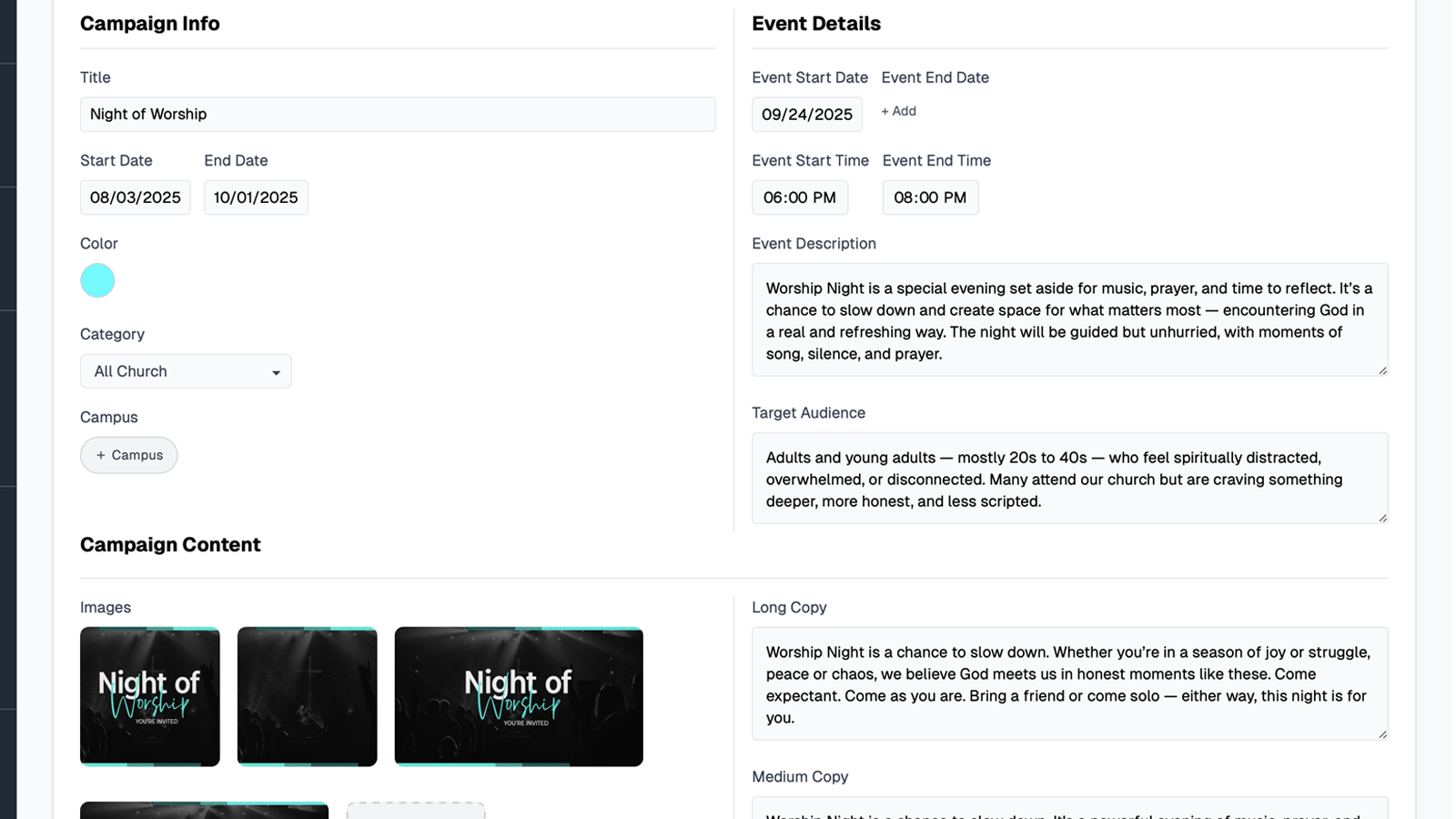
Instead of juggling endless files and spreadsheets, Communicate helps you see everything in one place — messages, channels, schedules, and graphics. You can review the past year, archive old campaigns, and start fresh with clarity for the new one.
Communication software centralizes messages, channels, schedules, and graphics in one place to help teams review past communications and plan for the future.
Make your comms reset a reality — not just a good idea.
How this topic connects: This page supports the church communication strategy pillar by explaining how audit processes help teams evaluate and improve their communication planning systems.
How Communicate helps you review, clean up, and relaunch church communications with one shared calendar.
Common questions about communications audits cover running audits, duplicating successful campaigns, tagging by campus or ministry, tracking fixes, storing revised content, and sharing summaries.
Church communications audit software centralizes past announcements, campaigns, and assets in one calendar view. This centralized view enables teams to identify communication gaps, spot duplicate messaging, and review successful campaigns from previous periods.
Successful campaigns can be duplicated to new dates for reuse, and outdated communications can be archived. This duplication and archiving process helps churches maintain a clean, current calendar while preserving proven campaign structures for future use.
Communications can be tagged by campus or ministry, and calendar views can be filtered by these tags. This filtering allows each team to review their own communications while still maintaining visibility into the overall communication plan across all ministries or campuses.
Audit action items can be assigned to owners, given due dates, and tracked through status updates. This assignment and tracking system ensures audit tasks progress from draft to completion without being overlooked or forgotten.
Updated copy, graphics, and links can be attached directly to each communication in the calendar. This attachment system ensures teams publish corrected versions after the audit, with all revised assets organized with their respective communications.
Yes. Share a read-only view or export the list so pastors can see what was fixed and what’s next.